![tyro-logo-dark.png]](https://support.tyro.school/hs-fs/hubfs/tyro-logo-dark.png?height=40&name=tyro-logo-dark.png)
In order for a student's parent/guardian to show up in user access, you must ensure the parent/guardian has access to student data on Tyro.
-
Go to 'People'
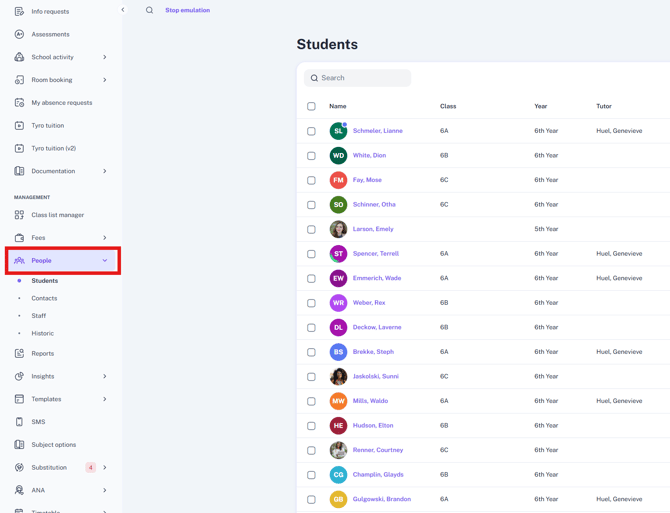
- Select 'Student'
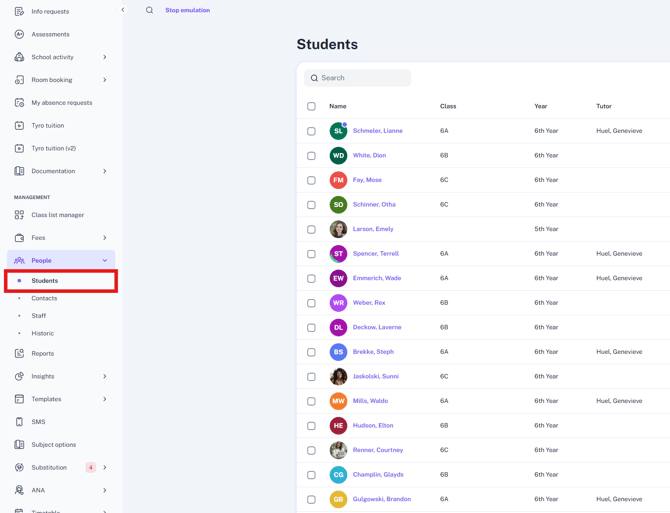
- Click into the profile of the student who's parent/guardian is missing from user access.
-
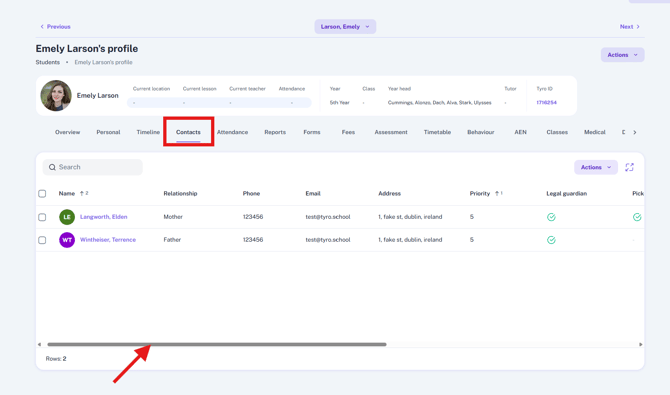
Click 'Contacts' and scroll over to the right.
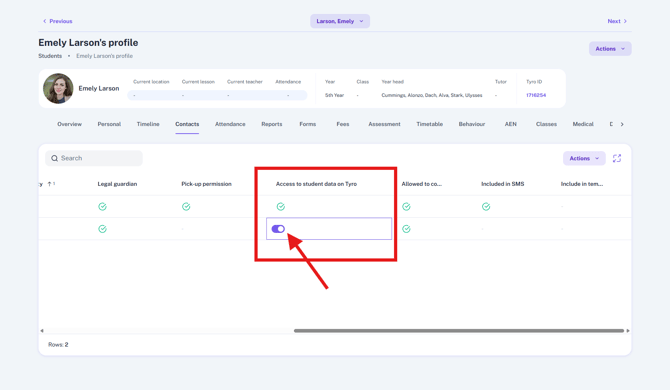
- Under 'Access to Student Data on Tyro' double click the square associated with the parent/guardian you wish to invite to Tyro and switch the toggle on. Don't forget to hit save in the bottom right corner once changes have been made.
When you go back to User Access, you will be able to see the contact in the list and you can invite them to Tyro.
Video Instructions