![tyro-logo-dark.png]](https://support.tyro.school/hs-fs/hubfs/tyro-logo-dark.png?height=40&name=tyro-logo-dark.png)
In order to view student's parent/guardian in user access you must update the permission for the permission group that the user is in.
The below steps will guide you on how to do this.
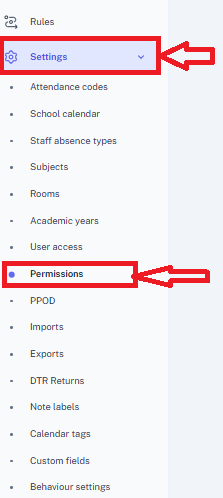
- on the left hand menu go to "Settings" -> "Permissions"
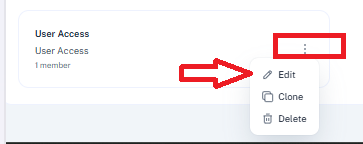
- Locate the Permission group you wish to edit and click the 3 dots icon next to the permission group and click the edit option
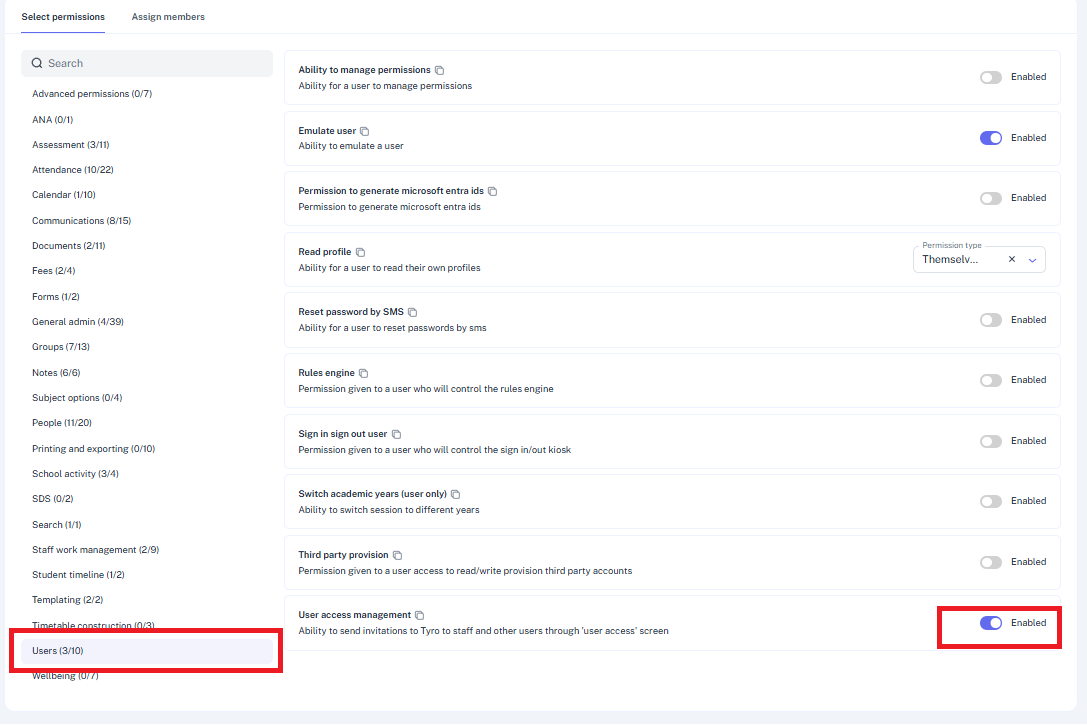
- On the left hand menu navigate to "Users" and ensure that the "User assess management" permission is enabled.
- Navigate to "People" and toggle on the following permission to your desired level e.g. "everyone", Groups they administer" etc.
"View Contact List"
"View contact personal information"
"View contact profile" "
"View contacts for students"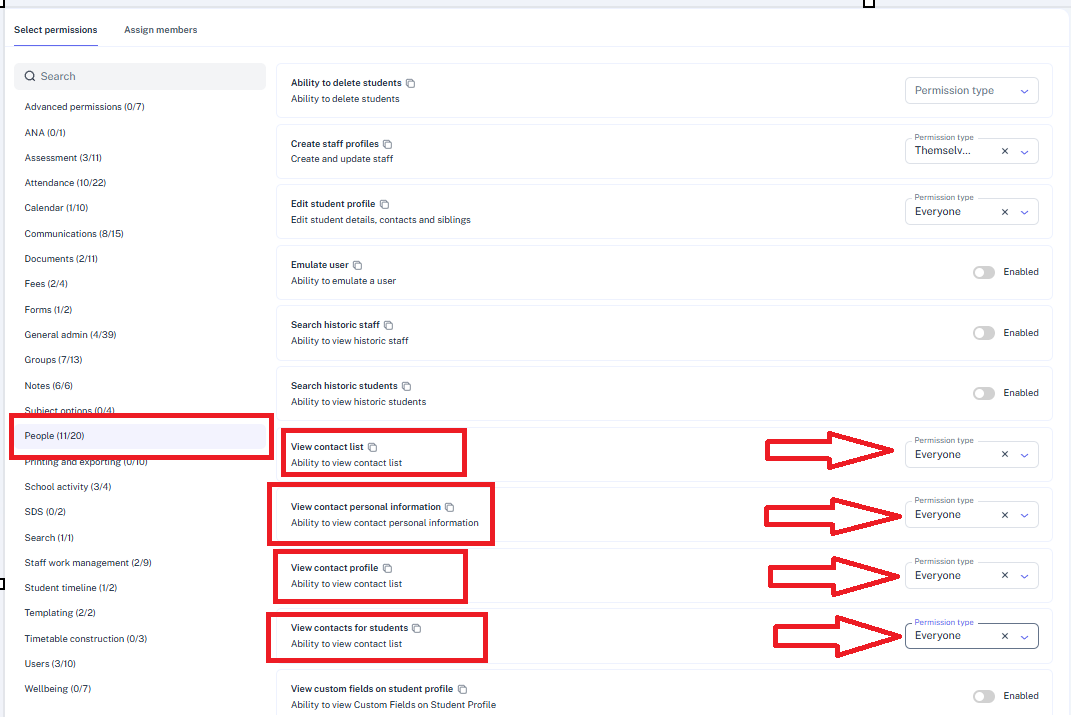
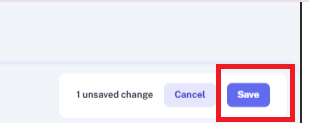
- Once the desired level of permission is enabled click teh "save button located on the lower left of the screen
- Also ensure that the members of the permission are assigned by going to the "assign members" tab where we can view and add members to the permission group. Detailed instruction on adding members to a permission group can be found Here