![tyro-logo-dark.png]](https://support.tyro.school/hs-fs/hubfs/tyro-logo-dark.png?height=40&name=tyro-logo-dark.png)
Video instructions are available at the bottom of the article.
To submit an absence request for your child in the Tyro app:
- When you log into your account on the Tyro App you can view students associated with you.
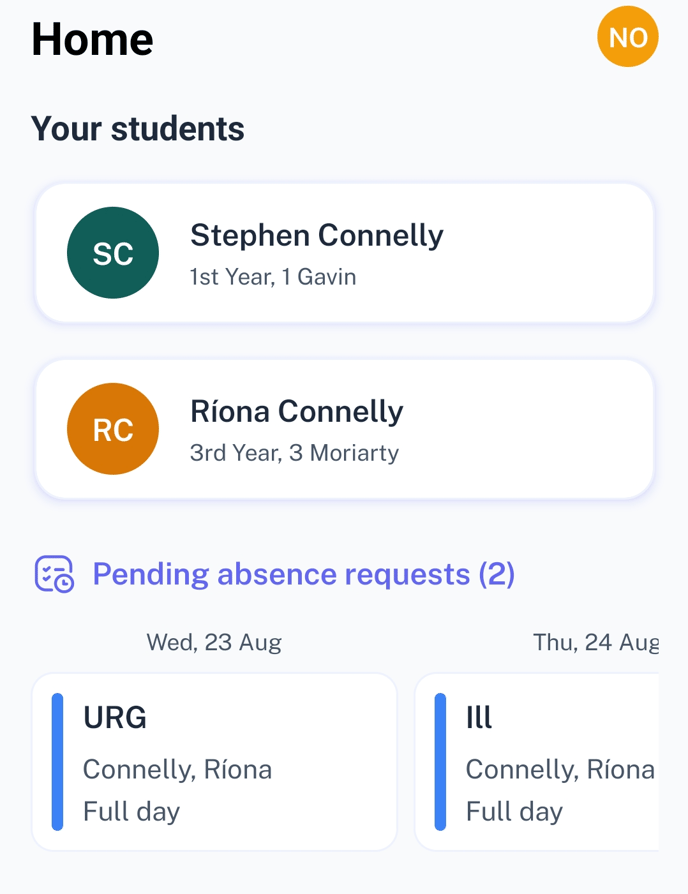
- Click on the name of the student you would like to submit an absence request for.
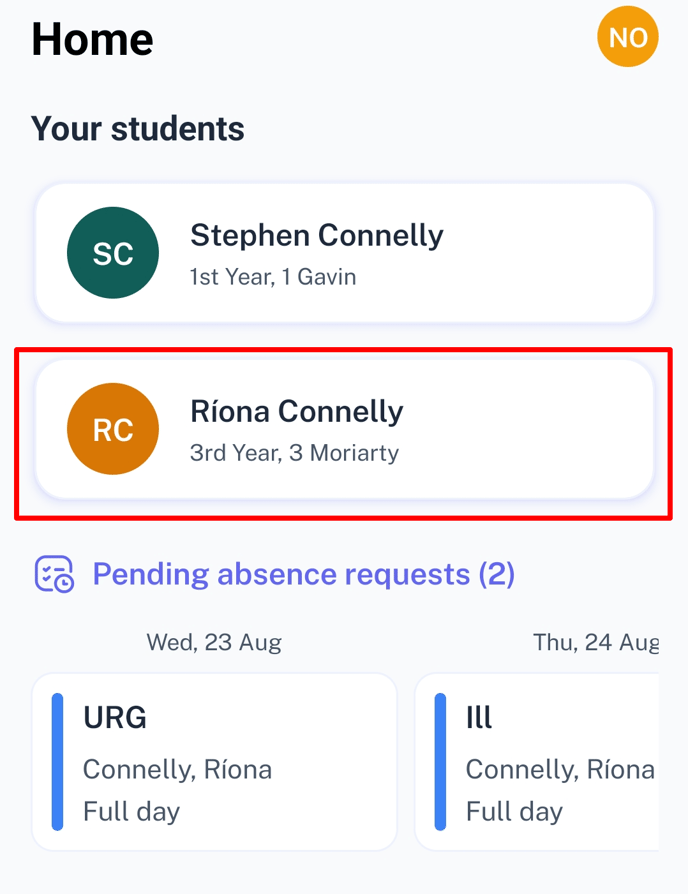
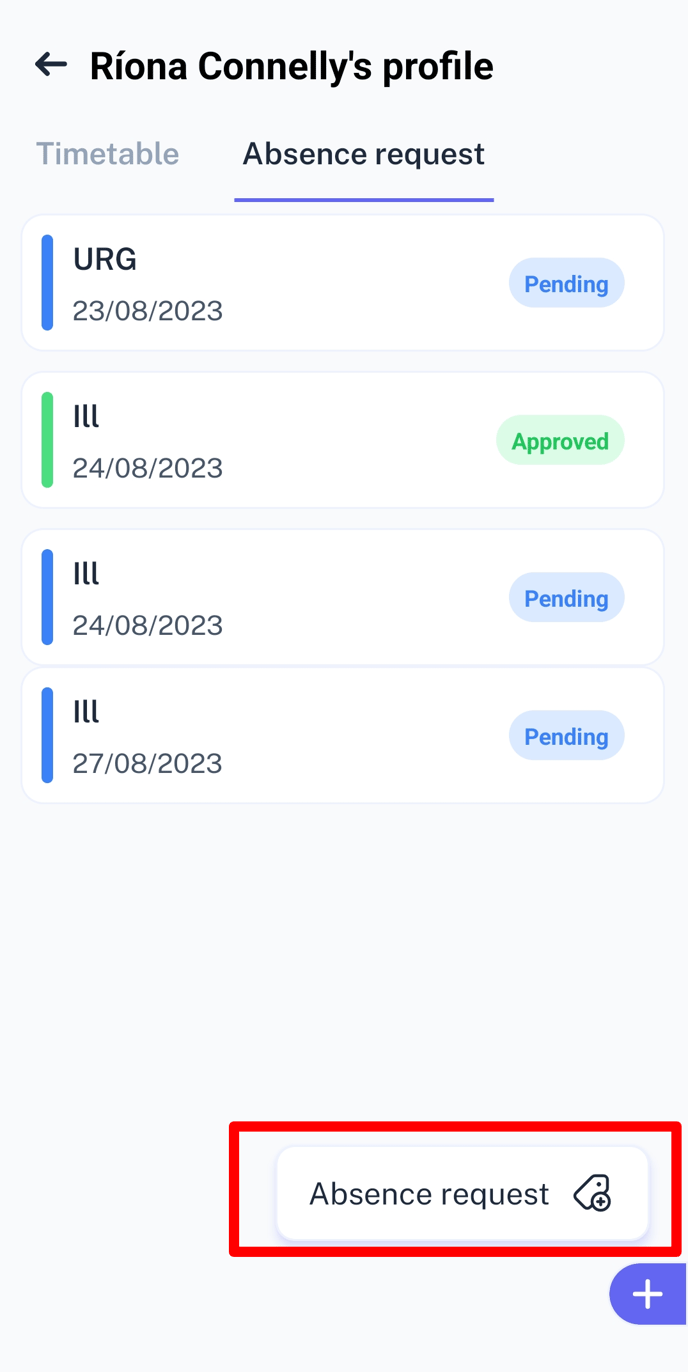
- Select the Absence Request Tab at the top of the screen.
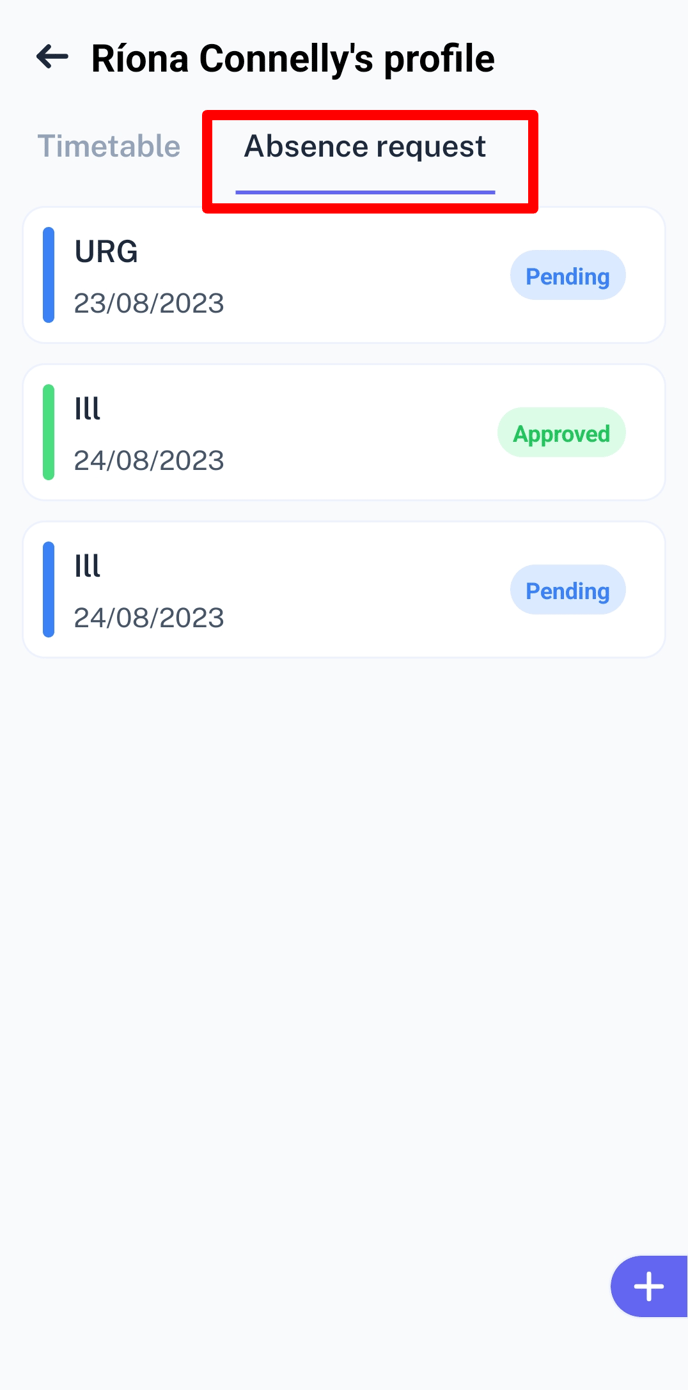
- Press the Plus Icon on the bottom right of the screen.
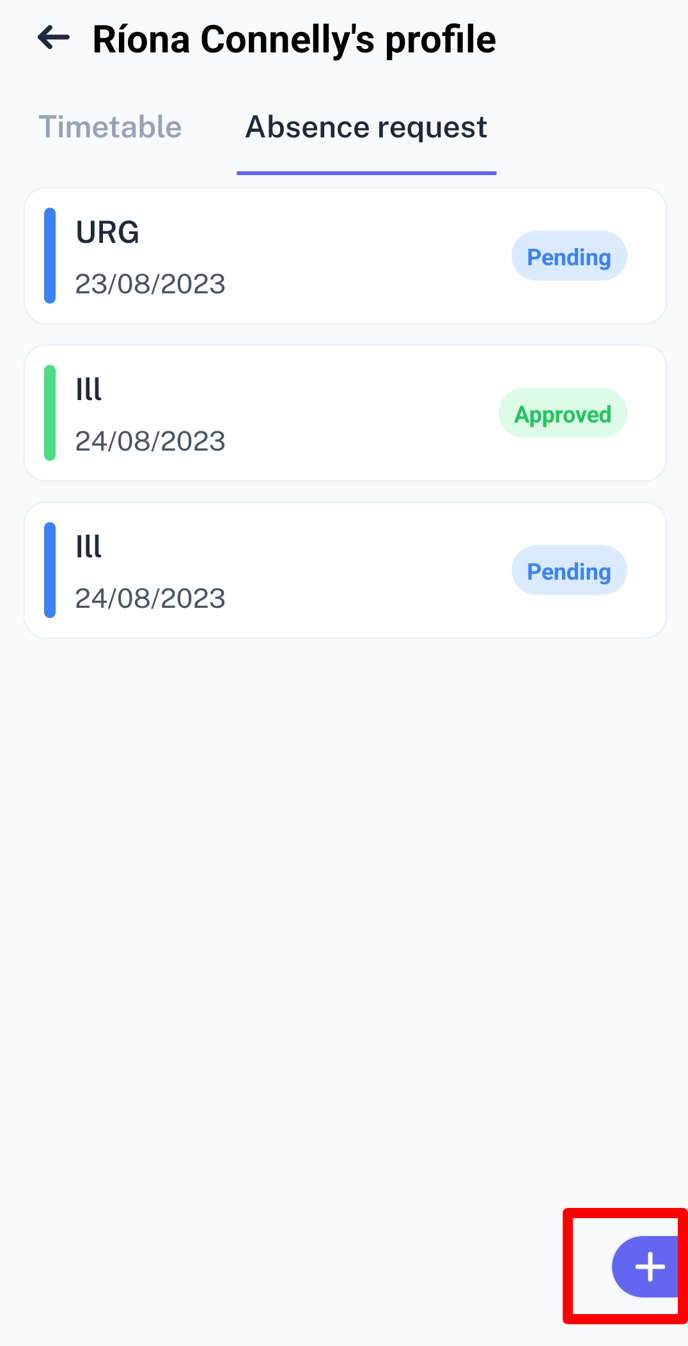
- Select 'Absence Request'.
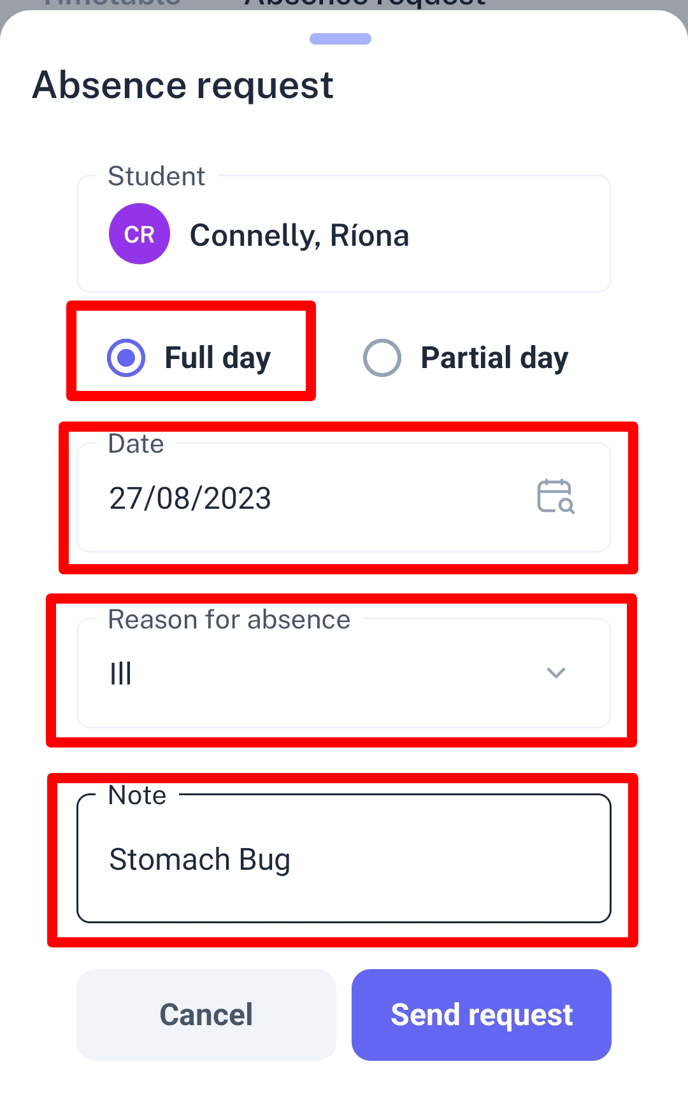
- Fill in the appropriate information including reason for absence and any note you would like to include.
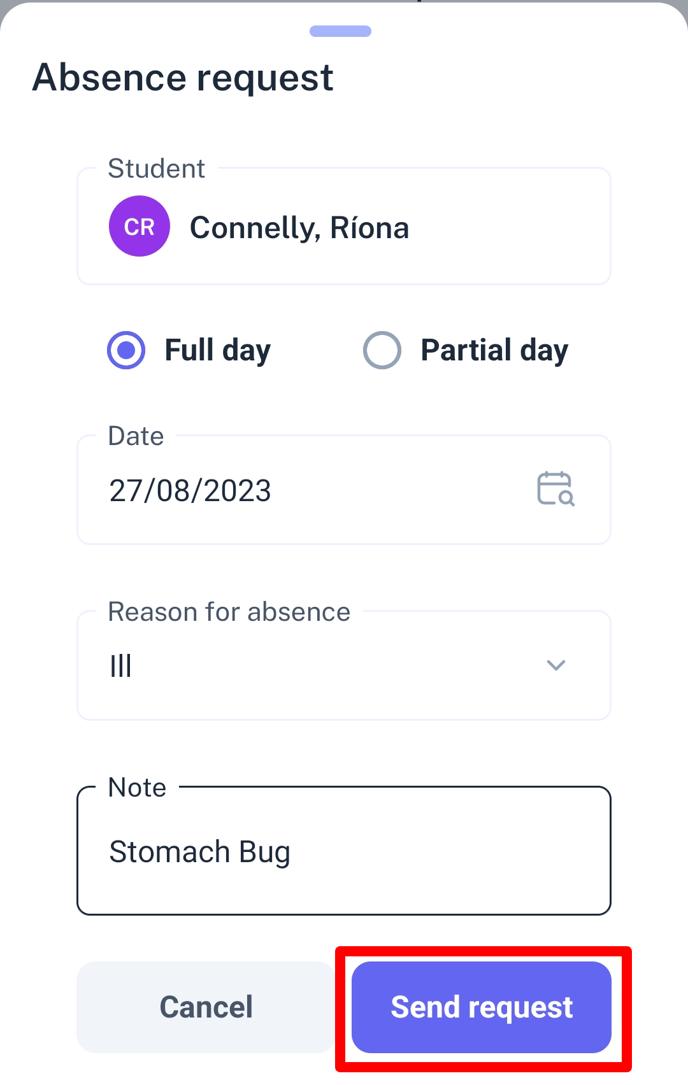
- Click 'Send Request'.
Video Instructions: