![tyro-logo-dark.png]](https://support.tyro.school/hs-fs/hubfs/tyro-logo-dark.png?height=40&name=tyro-logo-dark.png)
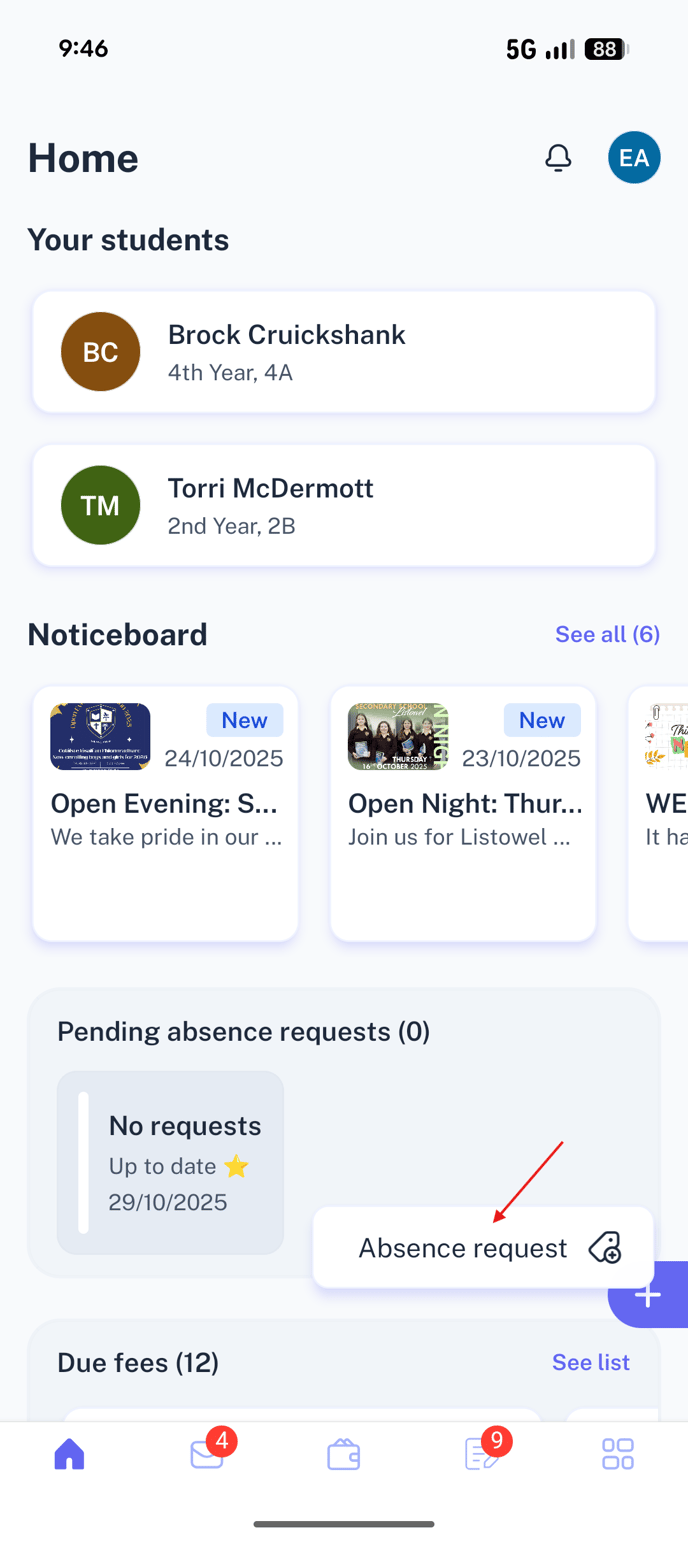
1. When you log into your account on the Tyro App, you can tap the plus icon on the right-hand side and then select 'Attendance Request'
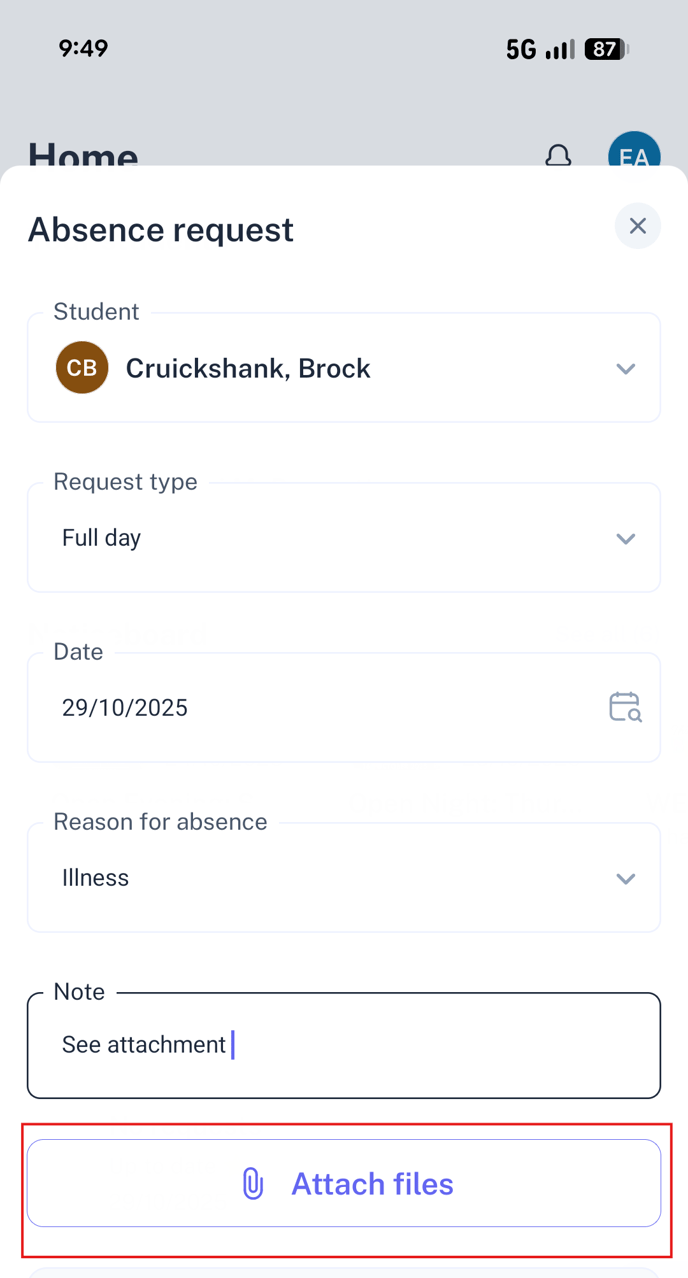
2. Fill in the appropriate information, including reason for absence and any note you would like to include. Then select 'Attach files'
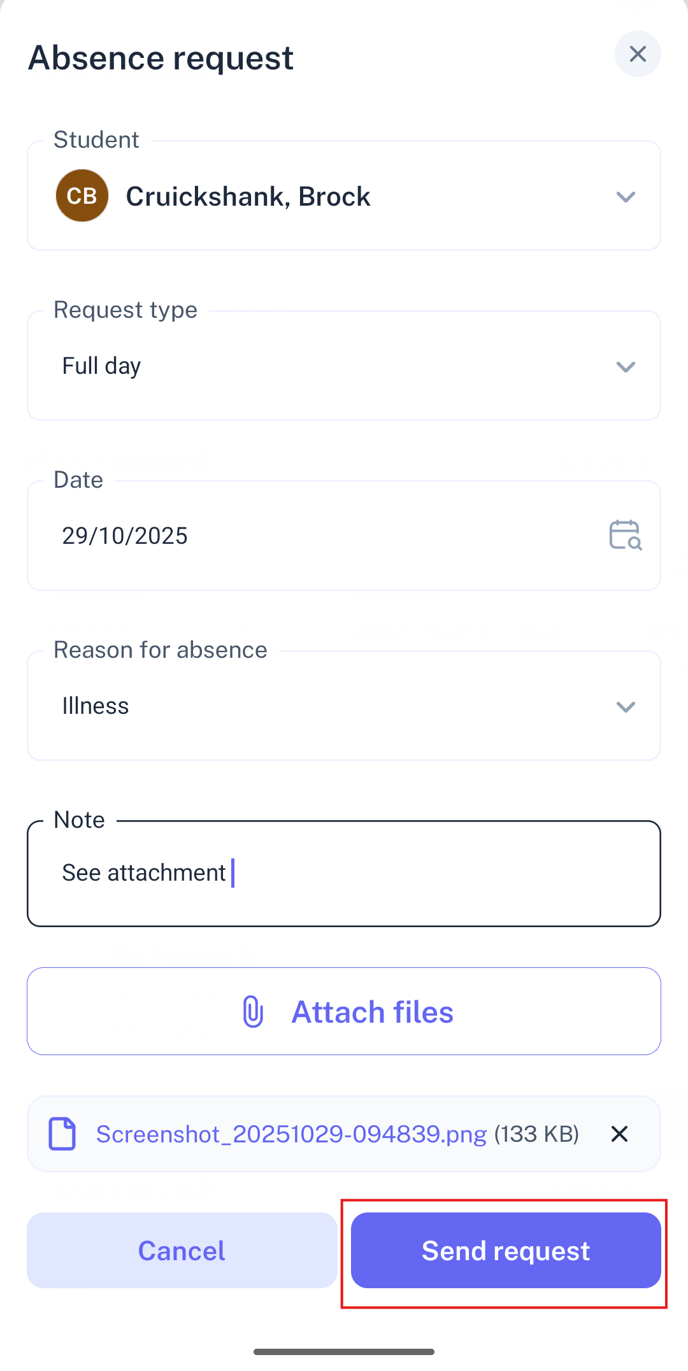
3. Once you have selected the file from your device, you can then tap 'Send Request'.