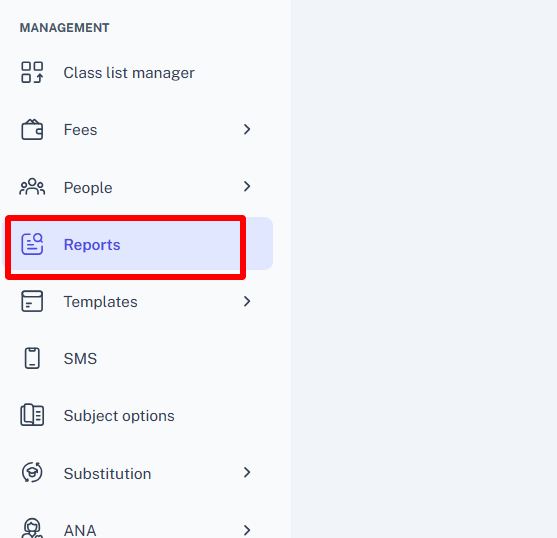
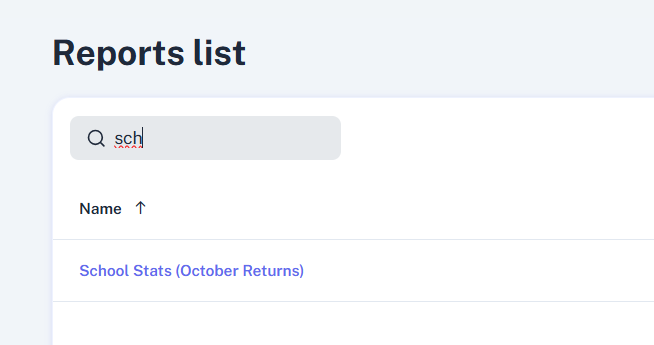
- In the left-hand menu, select Reports and School Stats (October Returns).
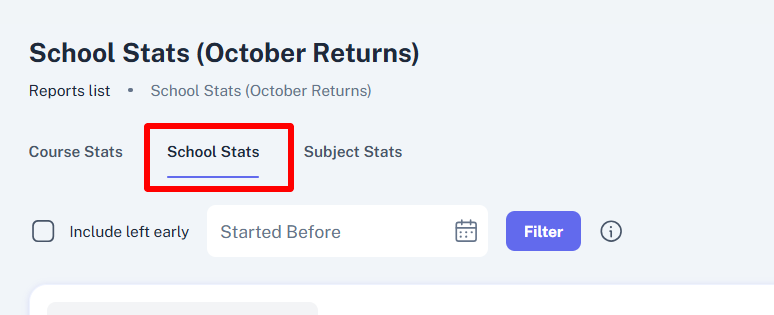
- Select the School Stats tab.
- This shows how many students are currently enrolled in each programme year, and in total.
- To view how many students were enrolled at the start of the academic year/at a different point in the year, enter a date into the "Started Before" field.
This will show you the number of students in the school before that particular day.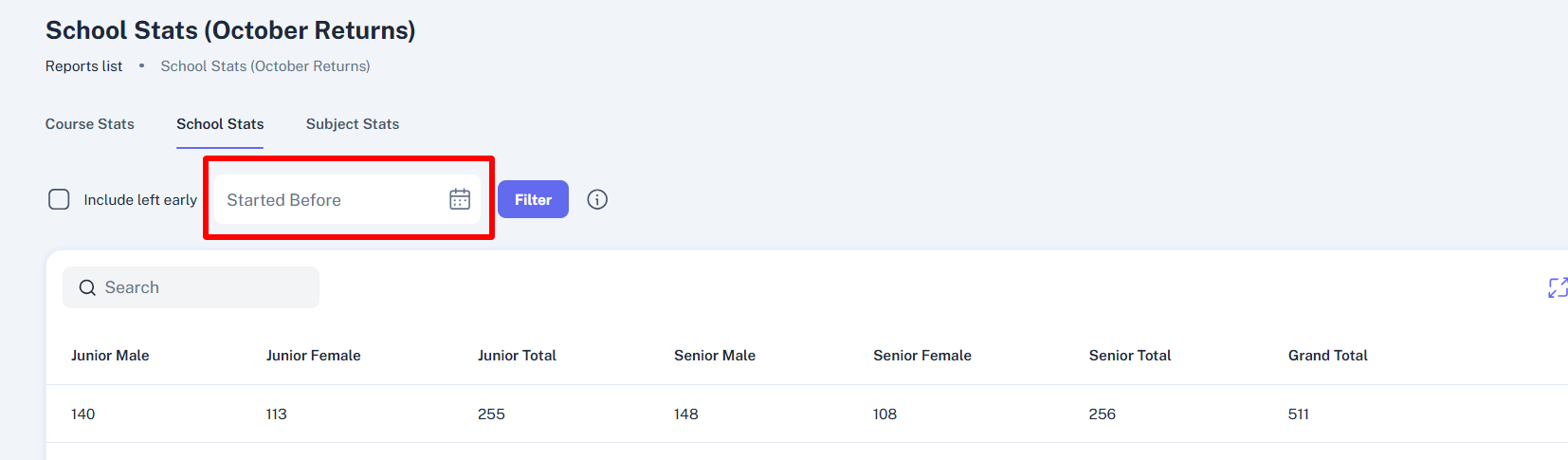
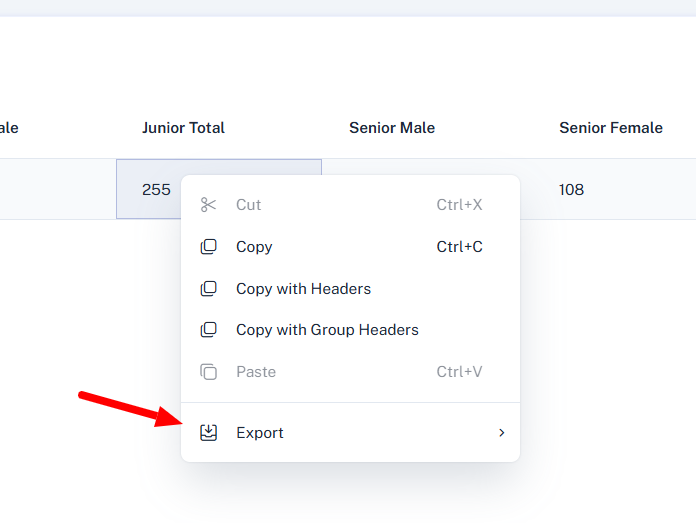
- To download/print this report, right-click anywhere within the table, and select Export.
You can choose to print directly, by selecting PDF, or download to excel.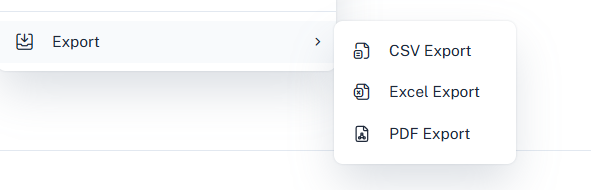
English
![tyro-logo-dark.png]](https://support.tyro.school/hs-fs/hubfs/tyro-logo-dark.png?height=40&name=tyro-logo-dark.png)