![tyro-logo-dark.png]](https://support.tyro.school/hs-fs/hubfs/tyro-logo-dark.png?height=40&name=tyro-logo-dark.png)
In order to view your student's personal information on the mobile app please follow the below steps .
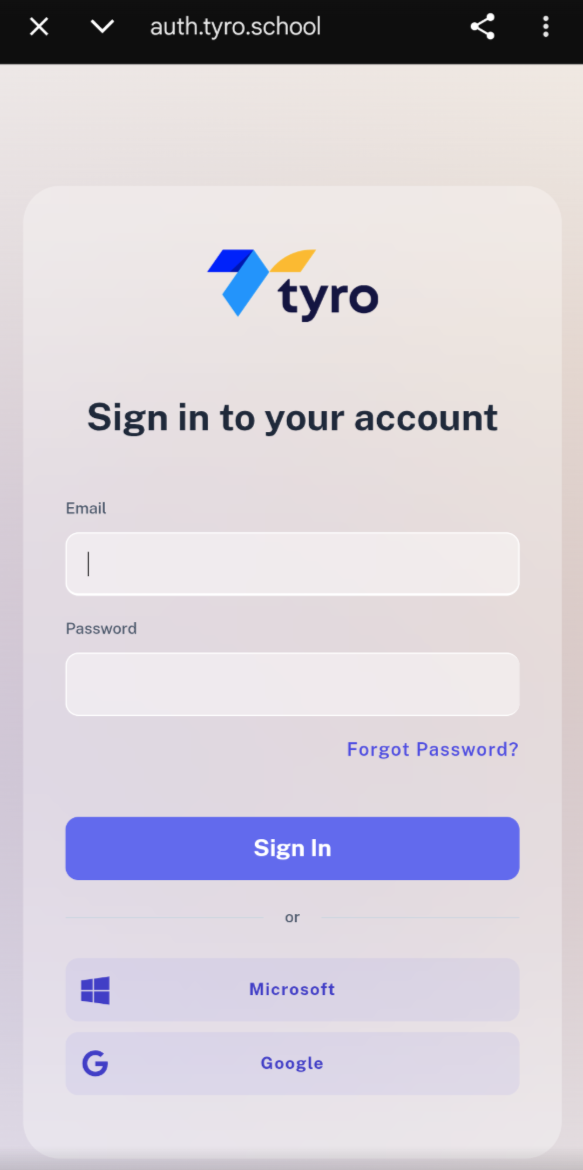
- Log into your Tyro App with your email and password.
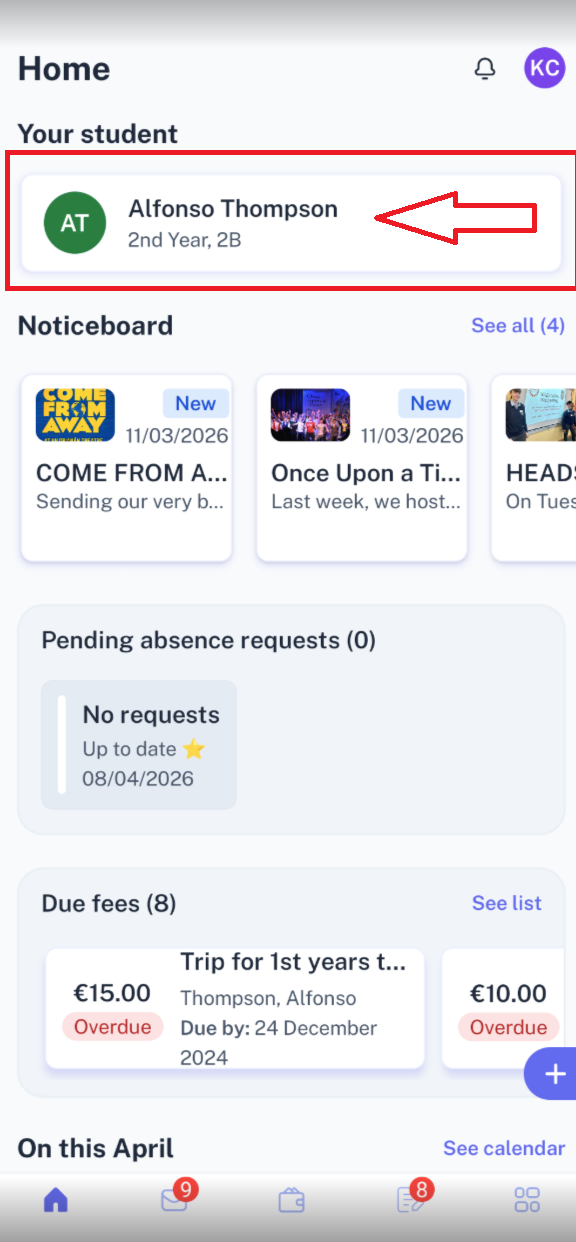
- Click on the student name that you wish to view.
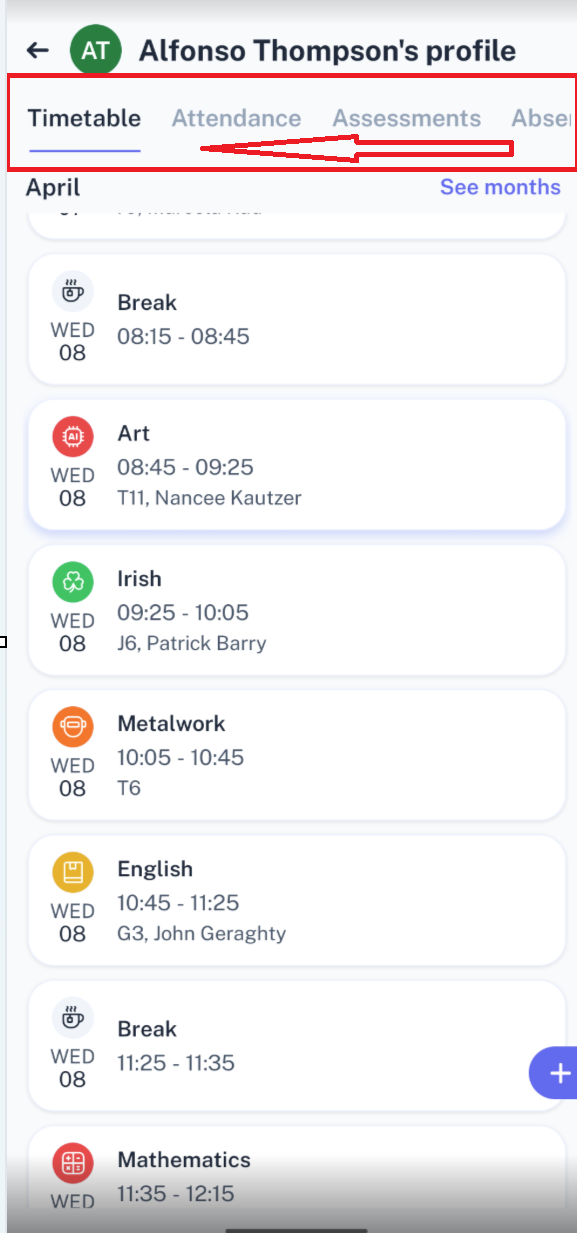
- You will be brought the the Students timetable, At the top of the screen is the menu items, drag across to the right until you see the "Personal" tab.
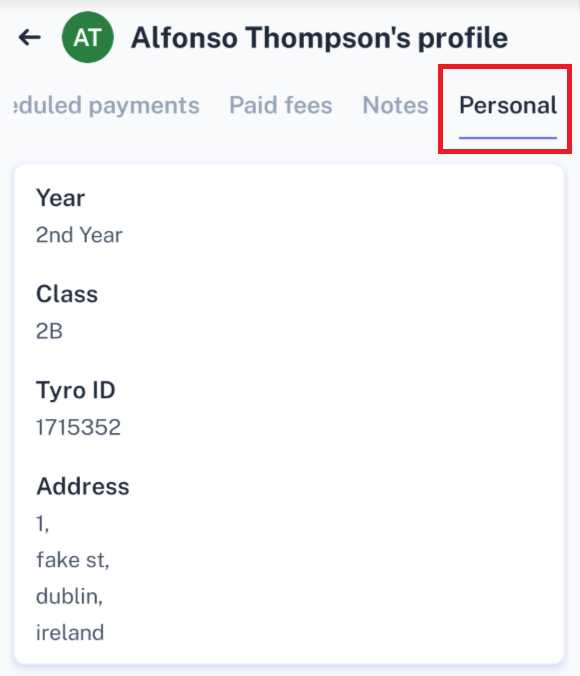
- Click on "Personal" to view the Student's information.